Purenote enables you to customize the style of your website with various layout options.
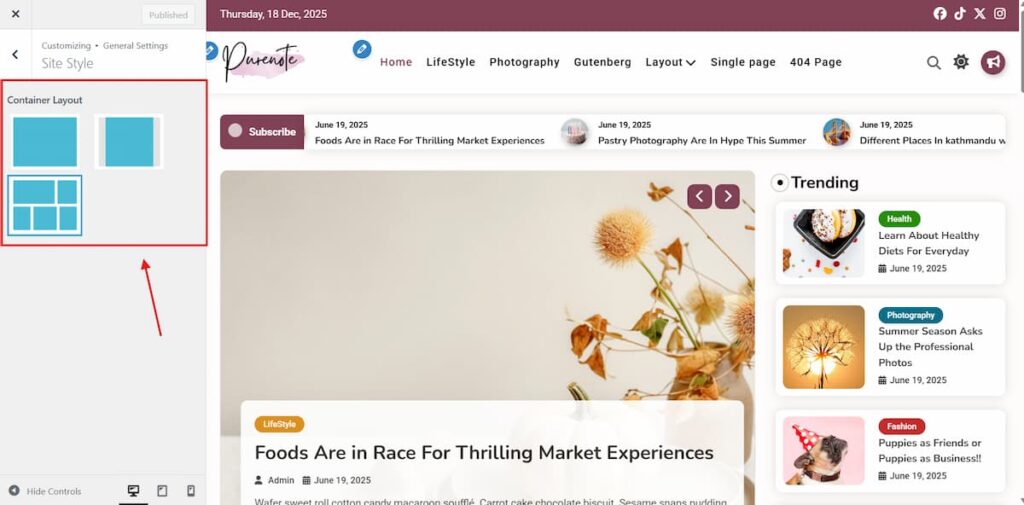
To change your Site style layouts with Purenote:
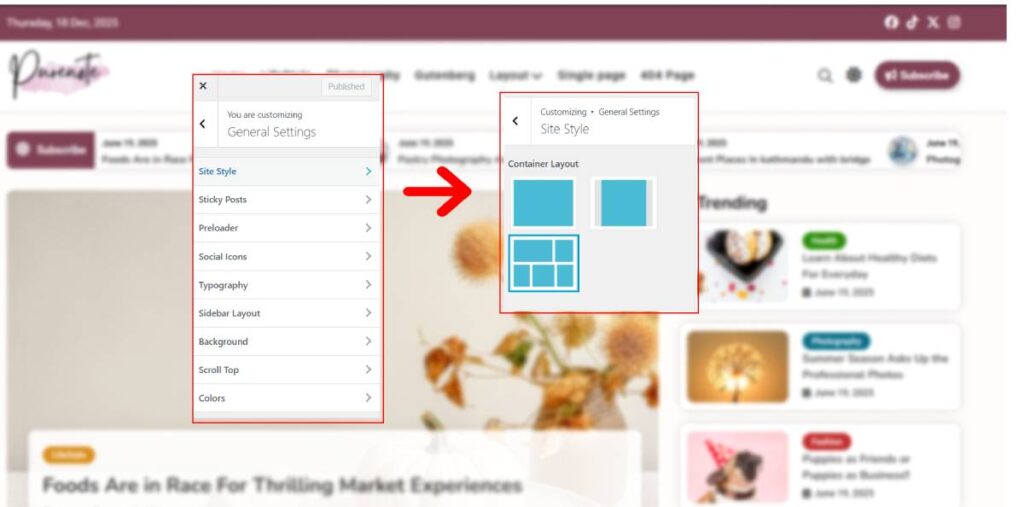
- Go to your WordPress Dashboard, then Appearance → Customize → General Settings
- Look for Site Style from the given option, and then choose your preferred layout as shown in the image above.
- Adjust your Container Width with slider given below. (Default is ‘1290px’)
Setting Default Site Mode
Purenote Pro enables you to set default site mode for your website.
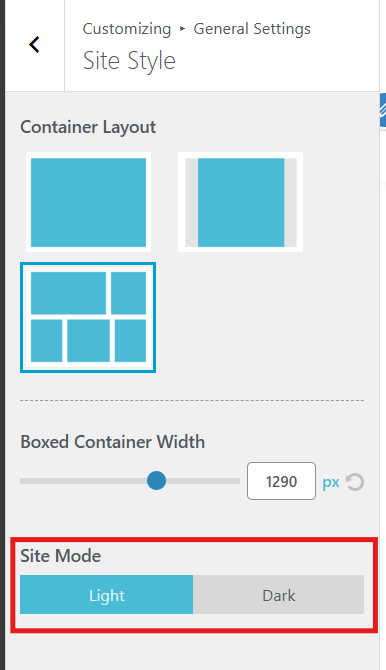
- Choose Light or Dark mode as per your preference.
- Click on ‘Publish‘ button to save your changes.