A preloader is an animated interface element that is shown while your webpage is loading in the background. You can easily customize the Preloader customizer with two or three simple clicks.
To do so:
- Log in to your WordPress dashboard, then go to Appearance → Customize .
- Then click on General Settings, then select Preloader.
- Now, at first, Enable Preloaders through the toggle option available at the top panel.
- After turning it on, you will be able to see the preloader layout with three different styles available
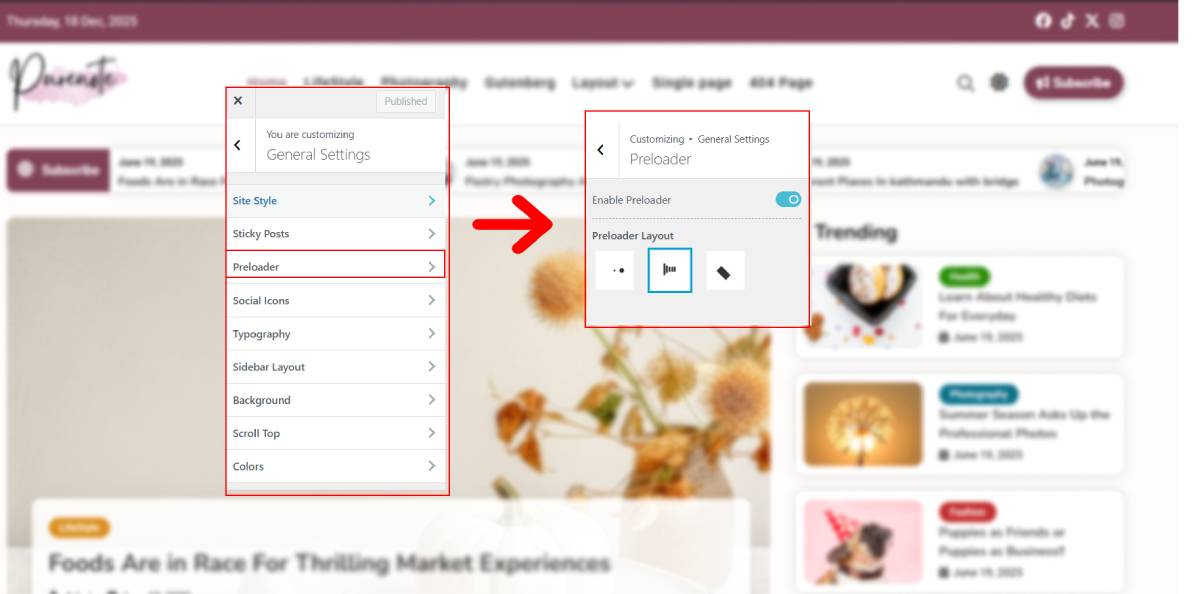
- Select the own by making sure it appears on website (check through the live preview on your site)
More Preloader Options in Purenote Pro
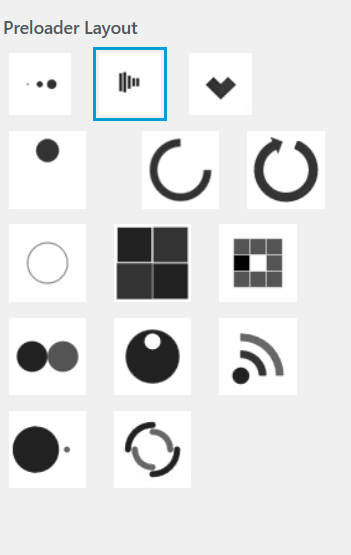
You will have more stunning animated Preloader options to utilize with Purenote Pro
- Click on Publish button to save your changes after you made your choice.