This feature is available in premium version of Purenote. In order to use this feature, make sure you have purchased Purenote Pro from Mystery Themes website
Purenote Pro enables you to further design your Primary Navigation Menu. You can enable and add color for Menu Description and Items
- Go to your WordPress Dashboard, then head to Appearance → Customize → Header Settings
- Look for Primary Menu in your Purenote Pro
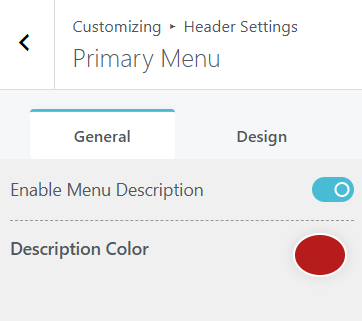
- In the General Tab, Toggle on ‘Enable Menu Description‘ and add color to it from the palette below.
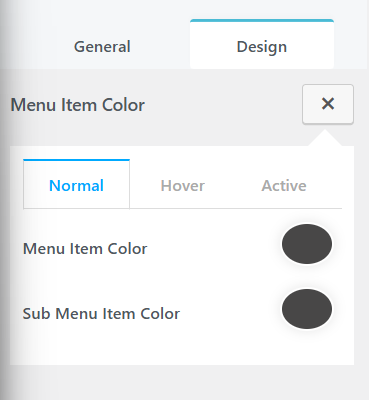
- From Design Tab, Choose colors in Normal state, Hover and Active state of the Menu Items