Purenote allows you to effectively enable and customize your News Ticker option helping you to add more engaging contents on your website easily.
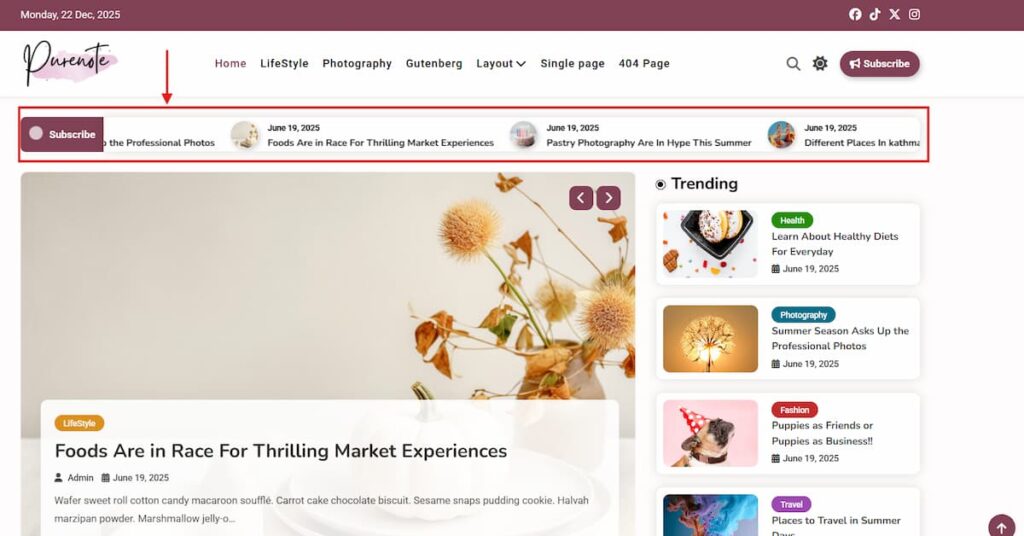
- Go to your WordPress Dashboard, head to Appearance → Customize → Header Settings
- Look for News Ticker from the given option
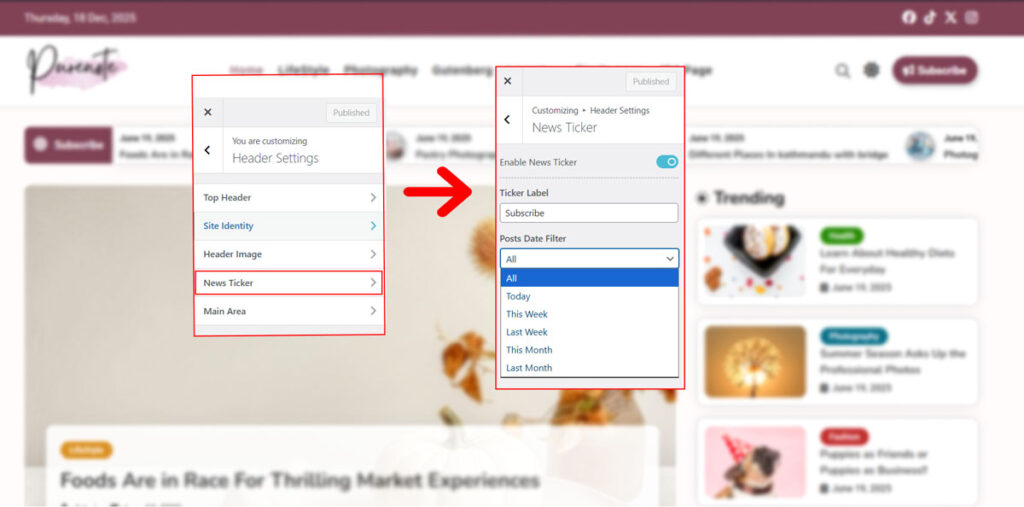
- Make sure the News Ticker is enabled, if not click on ‘Enable News Ticker‘ toggle option to enable it.
- Add Ticker Label as you prefer.
- Enable or Disable News Ticker Label from the toggle option as per your choice.
- Choose your Ticker Categories to display on your news ticker.
- Choose your date filter for the posts that appear in the News Ticker.
for example, you can choose ‘This Week’ or “Today” option to showcase latest publishment of your website on the ticker.
- Save your changes by clicking on the “Publish” button.